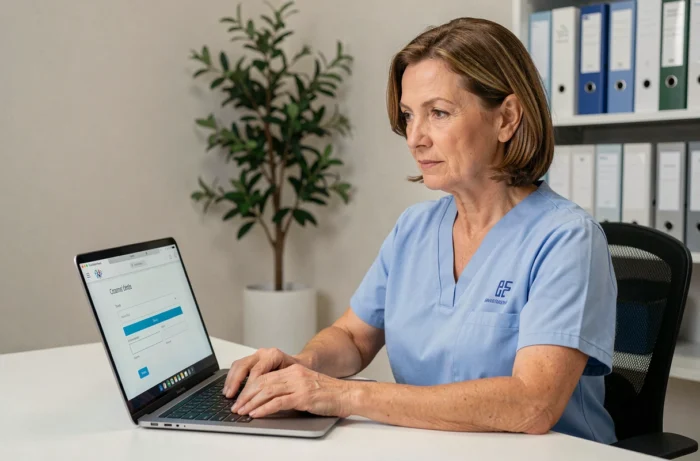
The Netsoins connection is not just about entering a username and password. Since the widespread implementation of multi-factor authentication on the portal, the access process has changed for the majority of caregiving teams in nursing homes. This guide details the technical points to master in order to effectively manage your Netsoins online space, from MFA configuration to user account governance.
Configure c.netsoins before deploying e.netsoins
We regularly observe establishments attempting to train their teams on the care module (e.netsoins) without having first audited the connection and rights management module (c.netsoins). This is a sequencing error that generates cascading blocks.
C.netsoins manages authentication, profiles, and access rights. It forms the technical foundation upon which everything else relies: care plans, transmissions, computerized user records. If roles are not correctly defined in c.netsoins, caregivers find themselves with inappropriate rights on e.netsoins, or even no access to the modules they need.
Before any deployment, we recommend checking three elements in c.netsoins: the list of active accounts (removing those of former employees), the assignment of professional categories to each profile, and the consistency between granted rights and actual functions. To access the Netsoins connection under good conditions, this prior cleanup is necessary.
Netsoins Multi-Factor Authentication: What Changes in Practice
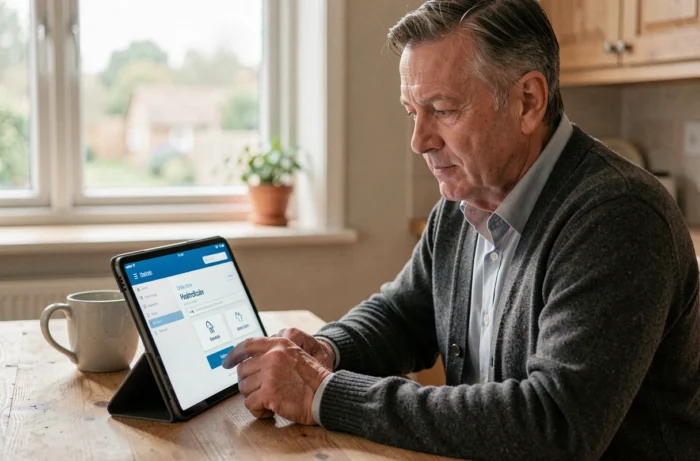
Since the summer of 2026, MFA has become the standard on the Netsoins portal for an increasing number of establishments. Each connection requires the validation of a one-time code, sent via SMS or generated through an application like Google Authenticator.
This evolution has direct consequences on the daily lives of teams, particularly in two situations.
Night Shift and Shared Workstations
Night teams often use a shared workstation among several caregivers. With MFA, each professional must have their own device to receive the validation code. This implies allowing the use of personal phones or providing a dedicated device for each workstation.
The issue also arises for substitutes who are new to the establishment. Without a phone number registered in c.netsoins beforehand, they cannot receive the code and remain stuck on the login screen.
Initial MFA Configuration
Activation is done from the user profile in c.netsoins. The caregiver associates their phone number or scans a QR code to link an authentication application. This step should be performed during the first accompanied login, not on the day when the caregiver is alone on duty on a Sunday evening.
- Ensure that each active account has a valid phone number or a configured authentication application
- Plan a troubleshooting procedure for substitutes (temporary account, reachable MFA referent)
- Test MFA on a shared workstation before general deployment to identify friction points
User Account Governance in Netsoins for Nursing Homes
Regulatory trends are pushing medical-social establishments towards stricter control of access to health software. An active Netsoins account not deactivated after an employee’s departure represents a compliance breach, both in terms of GDPR and the security of health data hosted in HDS environments.
We recommend integrating the deactivation of the Netsoins account into the standard HR exit process, just like the return of the badge or the closure of professional email.
Attributes to Check During an Account Audit
The Netsoins connector exposes a set of attributes per user that allows for systematic auditing. The most relevant for governance:
- DateLimiteAcces: helps identify accounts whose expiration date has passed but have not been deactivated
- DerniereConnexion: an account inactive for several months indicates an unprocessed departure or a duplicate
- CategorieProfessionnelle and PersonnelTypeAutorisations: to be cross-referenced with the job description to detect rights discrepancies
- AccesExterieur: identifies external or temporary workers whose access should be time-limited
This cleanup work is not a one-time task. A quarterly audit of Netsoins accounts significantly reduces the risk of unauthorized access to resident files.
Resolving the Most Common Netsoins Connection Errors
Some access issues recur frequently and are not related to a forgotten password. Before contacting support, three quick checks suffice in most cases.
The first concerns the portal URL. Netsoins uses specific addresses per establishment, often in the form of c.netsoins or e.netsoins followed by the name of the structure. A subdomain error redirects to a blank page or an access denied message, not to a login form.
The second concerns the browser. Netsoins is a 100% web solution that requires no local installation, but some outdated or misconfigured browsers block security certificates. We observe recurring malfunctions with outdated versions of Internet Explorer still present on workstations in nursing homes.
The third check concerns the cache and cookies. After a portal update, old sessions stored locally can cause redirection loops. Clearing the browser cache resolves this type of blockage without technical support intervention.
The Netsoins portal is evolving towards a higher level of security, aligned with the obligations of the Digital Health Ségur. For health managers and IT referents in nursing homes, managing the Netsoins online space is no longer limited to distributing passwords. It involves active governance of accounts, anticipating the constraints related to MFA, and regular maintenance of access.
It is better to invest half a day each quarter in an account audit than to manage security incidents reactively.