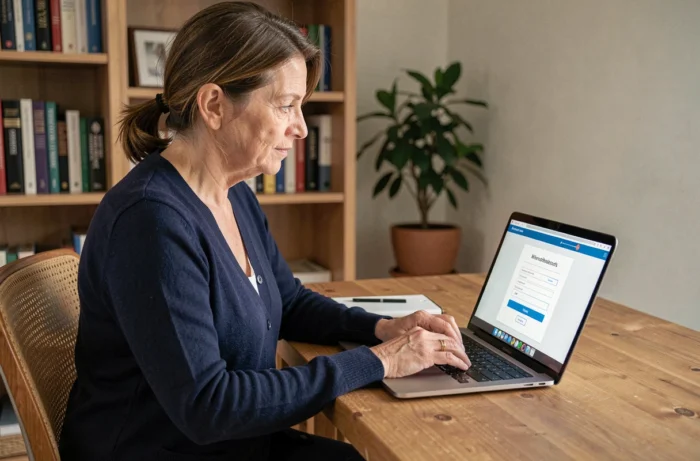
Netsoins is a computerized user file management software used by many nursing homes and medical-social establishments. Accessing your personal space requires knowing the correct login address, having valid credentials, and a properly configured browser. Three conditions that, in practice, pose more problems than one might imagine.
Netsoins login URL: why the address varies from one establishment to another
The first obstacle has nothing to do with a password. The Netsoins login address differs depending on the establishments. A generic portal exists in the format hsm.netsoins.com, but many structures have a personalized URL, often constructed in the format name-establishment.netsoins.fr.
Typing “Netsoins login” into a search engine leads to generic pages that do not necessarily correspond to your establishment’s instance. The result: a login form that rejects valid credentials simply because the queried server is not the correct one.
The reliable method is to ask the IDEC (coordinating nurse) or the IT reference of the establishment for the exact URL, then save it as a favorite. Several healthcare professionals looking to log in to Netsoins online waste time on this point even before reaching the credential entry page.
| Situation | Probable URL | Main Risk |
|---|---|---|
| Establishment with generic portal | hsm.netsoins.com | Valid page but profile not found if the nursing home uses a dedicated instance |
| Establishment with personalized URL | name-establishment.netsoins.fr | Unfindable via a standard search engine |
| Google search “Netsoins login” | Variable results | Redirect to a third-party portal or an outdated page |
Browser settings: frequent blocks on shared workstations and tablets
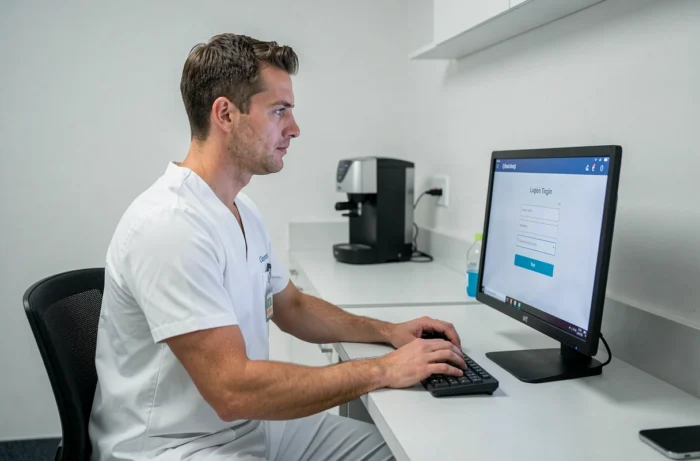
A correct identifier and the right URL are not always enough. Cookies and DOM storage must be enabled for the session to open normally. On shared workstations in nursing homes (nurse’s office, treatment room), saturated cache and cookies cause erratic behaviors: blank page after validation, looping back to the login form, or immediate disconnection.
The tablets used in rooms present the same type of problem. A browser whose data has not been cleared for several weeks may refuse authentication without displaying an explicit error message.
Points to check before seeking support
- Third-party cookies are allowed in the browser settings (Chrome, Firefox, Safari). Some establishment configurations block them by default.
- The browser cache has been cleared recently. On a shared workstation, weekly cleaning limits incidents.
- The browser is up to date. Since Netsoins is a web solution, outdated browser versions can generate silent incompatibilities.
- No ad blocker or security extension filters requests to the netsoins.com or netsoins.fr domains.
A blank screen after logging in does not necessarily indicate a failure. The absence of sections may reflect insufficient configuration of permissions, not a technical problem with the browser.
Netsoins password reset: a procedure that depends on the establishment
Most online guides describe a “Forgot password” link accessible from the login page. This presentation is misleading. Depending on the establishment, password reset is not self-service. In many nursing homes, unlocking or creating a new password must go through the local Netsoins reference, often the IDEC or health manager.
This operation is explained by the level of security required for health data. Medical-social establishments host files subject to HDS (health data hosting) standards and GDPR regulations. Allowing free access to reset from any workstation would pose a risk to the confidentiality of residents’ data.
Profiles and access rights in Netsoins
The software assigns visible modules based on the user profile. A nursing assistant does not see the same sections as a nurse or a coordinating doctor. Each profile determines the accessible functionalities in the personal space.
If an expected section does not appear after logging in, the cause is rarely technical. The reference must check that the permissions correspond to the position held. A change of function within the establishment (for example, moving from nursing assistant to acting nurse) requires an update of the profile in Netsoins.
Health data security and Netsoins connection in nursing homes
Recent software updates strengthen security mechanisms. Authentication may now include additional steps, including two-step verification for certain profiles with high permissions (coordinating doctors, pharmacists).
The hosted data complies with HDS standards and the GDPR framework. Every action taken in the user file is tracked: consultation, modification, prescription. This traceability requires that identifiers remain strictly personal. Sharing an account among several caregivers (a practice still observed in some services) exposes the establishment to a compliance failure.
Teams that use Netsoins daily benefit from reporting any abnormal software behavior (unexpected disconnection, unusual slowness, recurring error messages) to the IT reference rather than circumventing the problem by reconnecting to a colleague’s account.
Connecting to Netsoins relies on three verifiable elements in less than two minutes: the correct establishment URL, a browser with operational cache and cookies, and credentials associated with the correct permission profile. When access fails, the local Netsoins reference remains the most effective point of contact, well before any generic web search.